🔥 1. De aantrekkingskracht
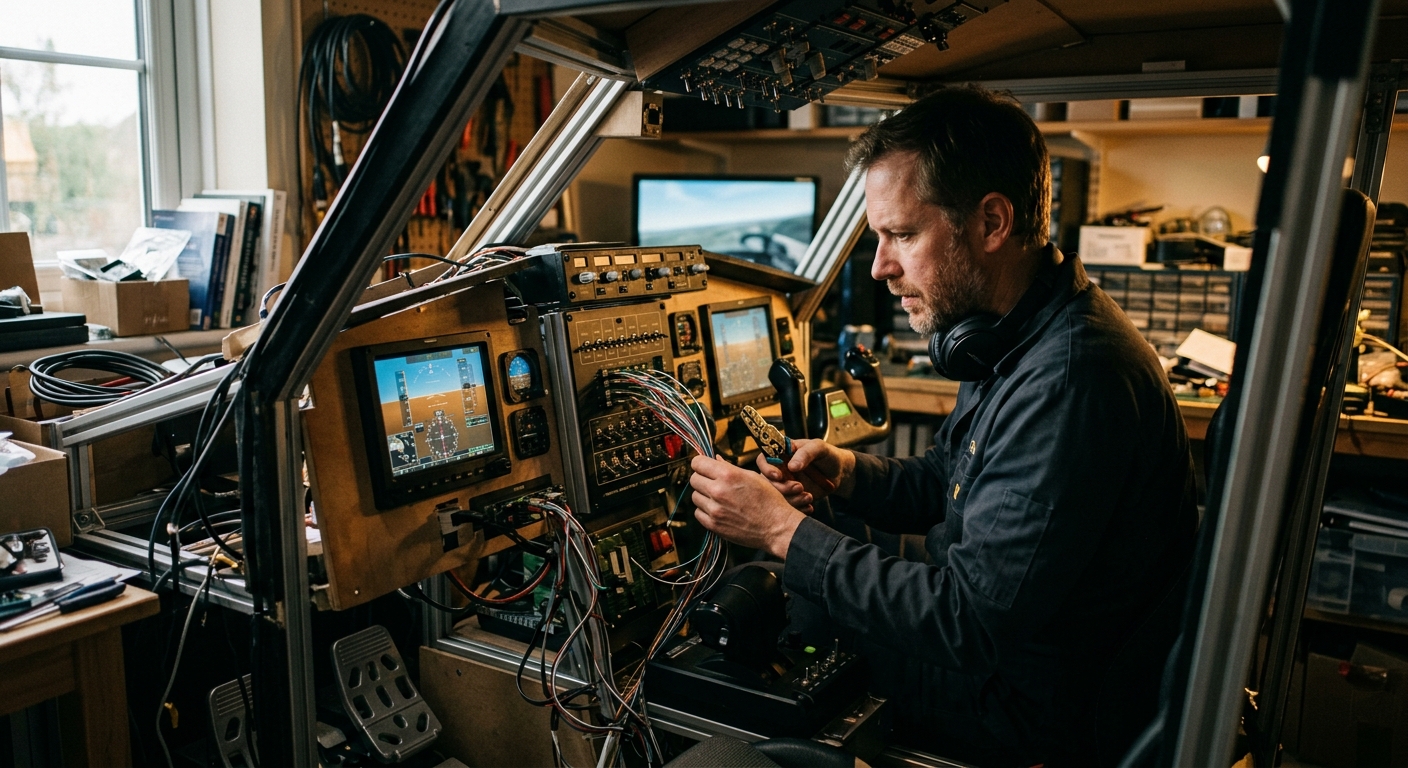
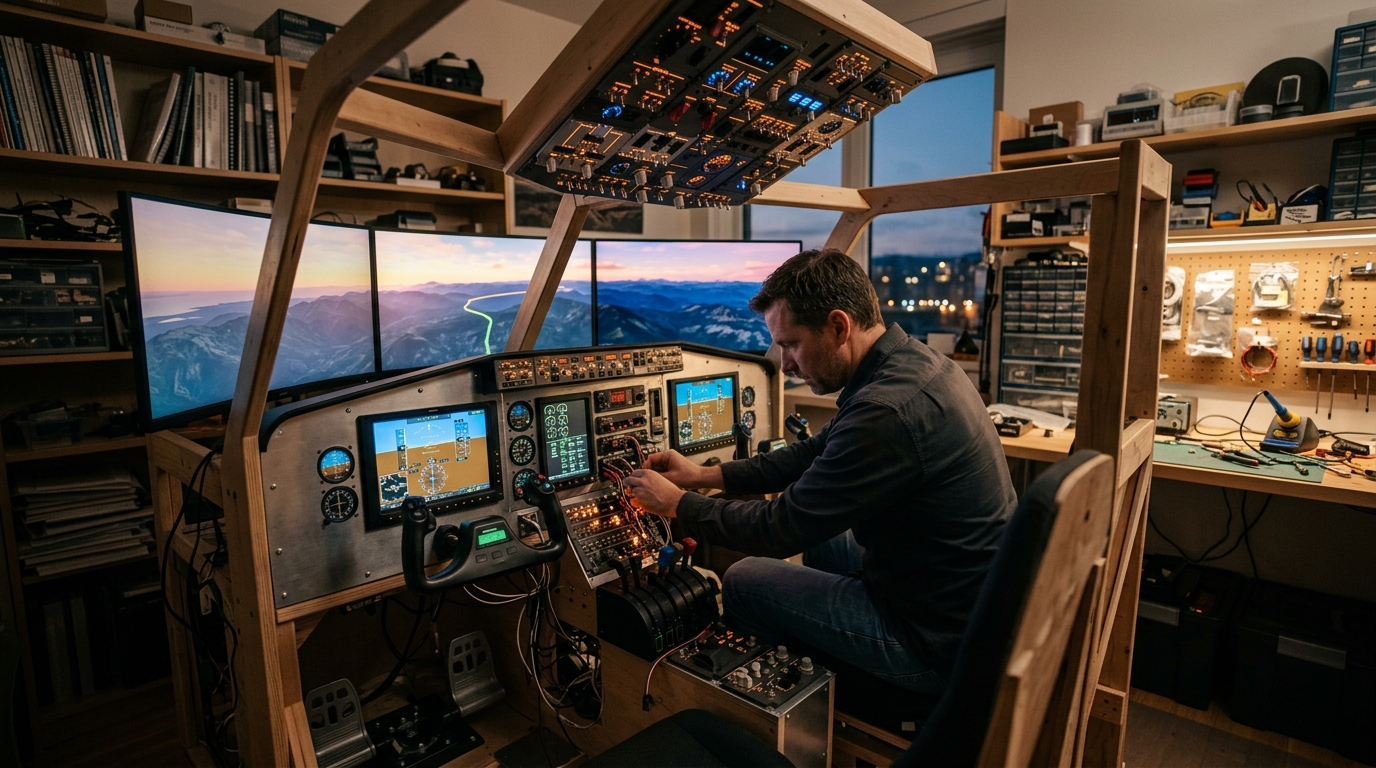
The magic of cockpit building lies in stepping beyond a flat computer monitor and sinking into a physical, highly tactile flight deck. The heavy click of real toggle switches, the subtle resistance of a weighted control yoke, and the ambient glow of dedicated instrument panels immediately bridge the gap between virtual simulation and real-world aviation. You are no longer just manipulating software with a keyboard and mouse; you are physically commanding a complex machine where muscle memory and procedural switchology take total control.
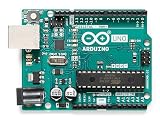
Beyond the visceral thrill of flight, cockpit building is one of the most rewarding multi-disciplinary maker hobbies in existence. It harmoniously weaves together woodworking, 3D printing, CAD design, micro-electronics, and custom software mapping. Entering a flow state while wiring an Arduino controller board or hand-crafting a modular aluminum frame yields an incredible sense of personal ownership, making every smooth virtual touchdown a high-stakes triumph born entirely from your own craftsmanship.
🗺️ 2. Het landschap
Before investing in bespoke aluminum extrusion rigs or aircraft-grade components, it is essential to understand that home cockpit building spans a wide range of physical footprints, budgets, and operational goals.
Desk-Mounted Modular Rig (Versatility & Space Efficiency)
Utilizing desk clamps, modular throttle quadrants, and head-tracking sensors to create an easily stowable rig tailored for multi-aircraft flying. The physical layout relies on quick-release mounts and compact switch panels that fit standard home office desks without permanent alterations. Operating feel remains flexible and hybrid, accommodating both general aviation and complex commercial jetliners on a single platform.
General Aviation Replica Deck (Procedural Tactility & Realism)
Modeling traditional single-engine cockpits like the Cessna 172 with dedicated physical gauge stacks, mechanical trim wheels, and dual yokes. Hardware geometry strictly mirrors real-world cockpit ergonomics, requiring physical space for a dedicated console structure and analog dial instruments. The operating feel emphasizes fine-tuned physical trim control, tactile switchology, and realistic muscle memory for flight training.
T-Slot Aluminum Profile Pit (Rigidity & Infinite Customizability)
Constructing an industrial-grade structural frame using 2020 or 4040 aluminum extrusions to support heavy loads, ejection seats, or multi-monitor armatures. The geometry offers absolute structural rigidity and micro-adjustability for precise control positioning without flex during aggressive inputs. Operating feel delivers maximum immersion, grounding all flight controls in rock-solid physical hardware that feels like a true aircraft chassis.
VR-Centric Minimalist Cockpit (Tactile-VR Hybridization)
Combining a Virtual Reality headset with strategic physical HOTAS (Hands On Throttle And Stick) positioning and muscle-memory button layouts. Layout geometry prioritizes 1:1 physical placement of key switches to match what the pilot sees inside the VR headset without needing visual line of sight. Operating feel delivers complete visual spatial immersion backed by tangible physical feedback at key touchpoints.
For complete beginners, a Desk-Mounted Modular Rig is universally recommended: it provides immediate tactile control upgrades like a dedicated yoke, throttle quadrant, and head-tracking without overwhelming your living space, allowing you to gradually expand into dedicated custom enclosures as your maker skills evolve.
🛒 3. Starterkit & budget
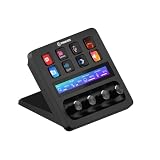
De absolute basis voor dag één. Geen dure poespas of onnodige drempels.



ℹ️ RokkuWare wordt ondersteund door lezers. Bij aankopen via links kunnen we een commissie ontvangen, zonder extra kosten voor jou.